For MSPs and corporate teams
One training platform for every client and every team.
Security awareness, SOPs, policies, onboarding and your own internal training, all tracked in one place with proof it was done.
No payment details needed.
See the whole workflow in under three minutes
From adding a client to handing over the evidence, using real screens.
The video has narration and captions. Everything it covers is also written out below.
What you can train on
Security awareness is one category. Use the Master Course Library, or build your own courses for anything your Trainees need to know.
- Security awarenessPhishing, passwords and data handling, mapped to frameworks such as NIST CSF, HIPAA and CMMC.
- SOPs and policiesYour procedures as PDF lessons, with a recorded confirmation that each one was read.
- Onboarding and HRNew-hire programs that run the same way every time, paced over days or months.
- Customer service and skillsVideo and text lessons with quizzes that show who really understood them.
- ComplianceRequired training with due dates, reminders and evidence ready for auditors.
- Anything internalYour own topics, such as "SOP training for client X", tracked and reported like any other.
Why partners choose it
Any training, in one place
Run security awareness, SOPs, policies, onboarding and internal training from one admin site, instead of a different tool for each.
Less admin for every client
Bring in client companies and contacts from Autotask or ConnectWise Manage, or link Microsoft Entra groups, instead of keeping another list up to date.
Training Trainees actually finish
Pace a program so Trainees see one course at a time, and keep it moving with flexible reminders that stop as soon as the work is done.
Proof on demand
Certificates, report cards and evidence packs are ready whenever a client, auditor or insurer asks, grouped by your own topics and by frameworks such as NIST CSF, HIPAA and CMMC.
Your brand, your client relationship
Your logo, colors and sender name appear in the portal, on emails and on certificates, signed by your own admin.
Your internal training stays internal
Courses you build are private to your organization, and never appear in the shared library or to anyone else.
How it works
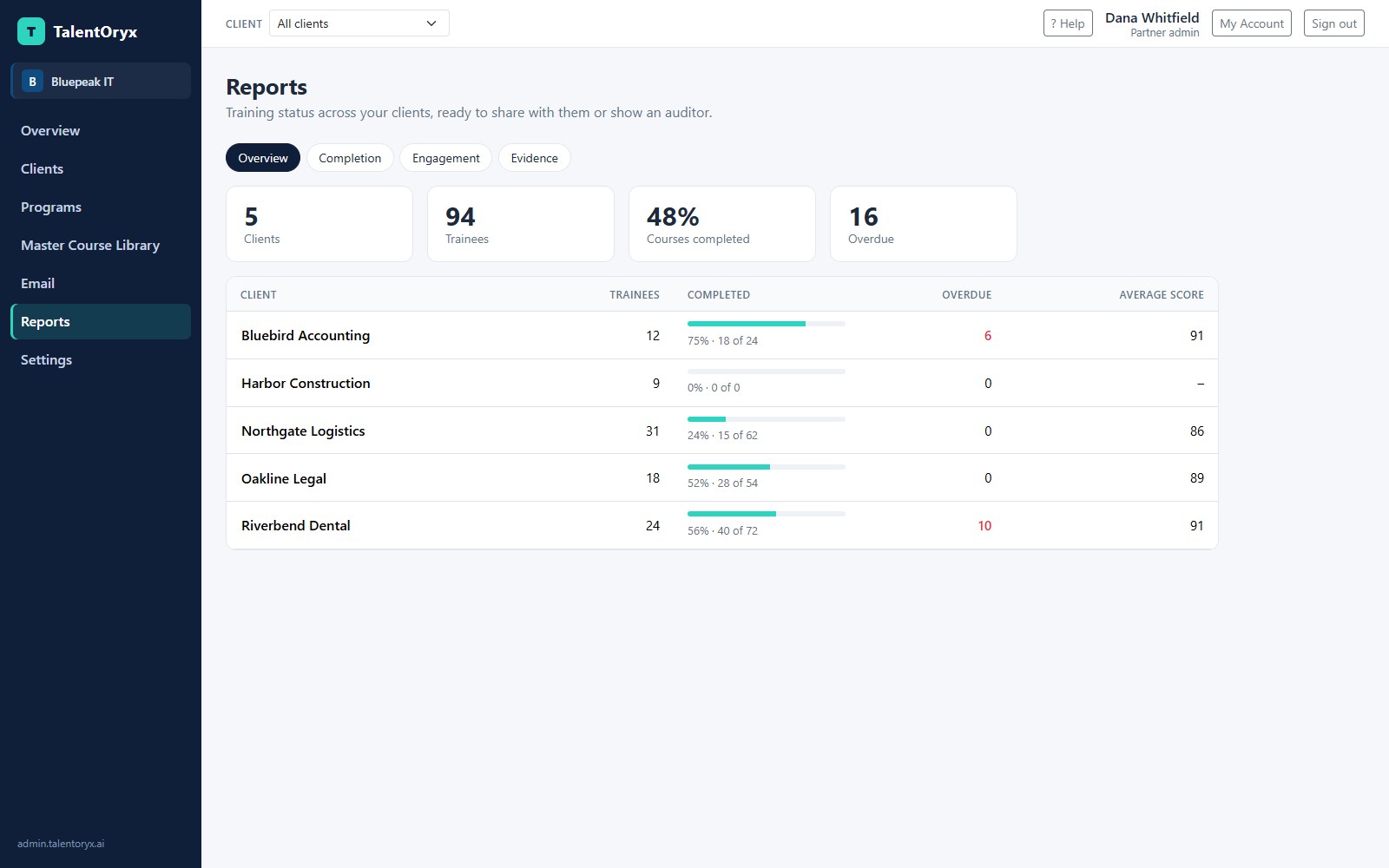
Add your clients
Import companies from your PSA, or add them by hand.
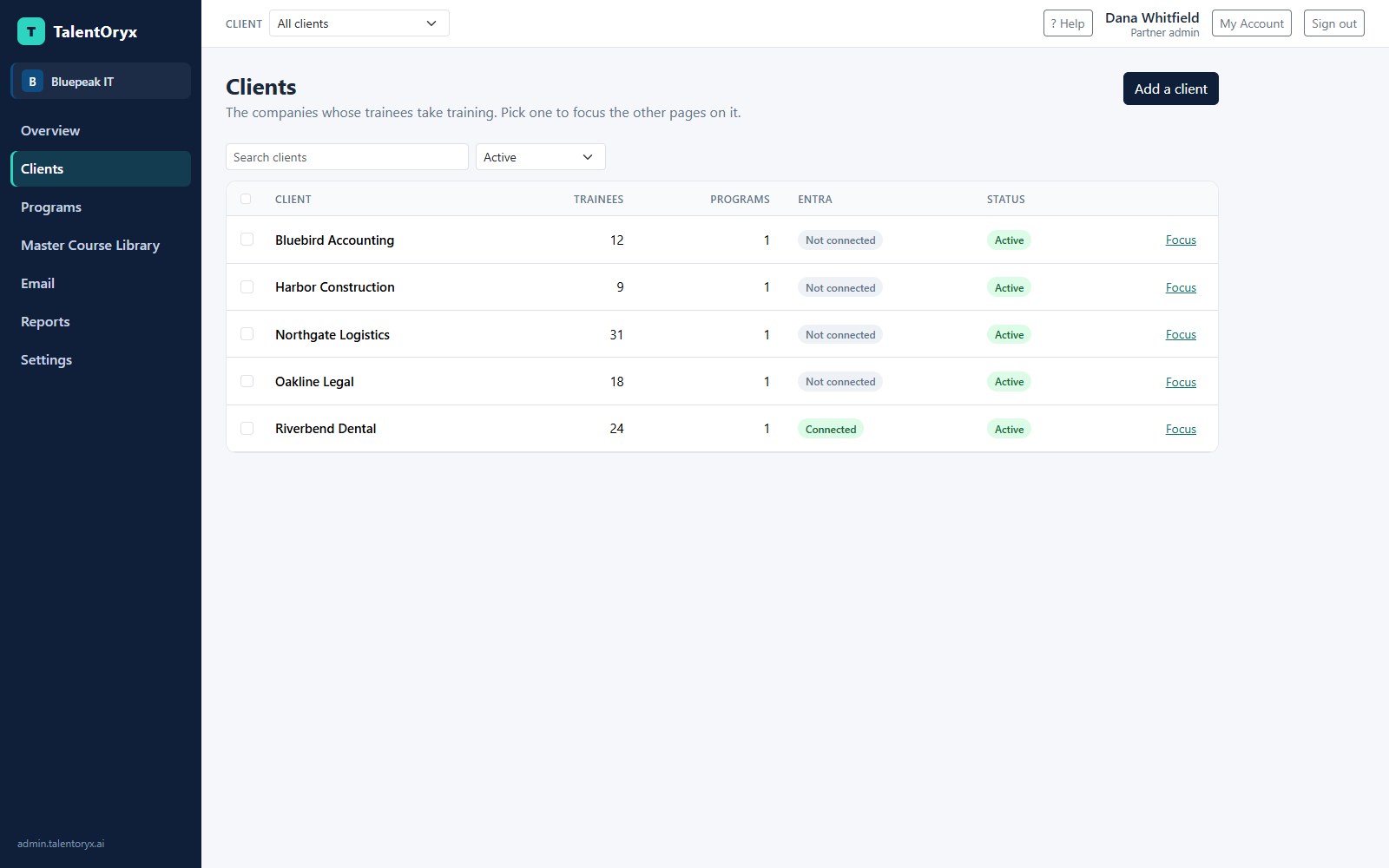
Choose who gets training
A field in your PSA, an Entra group, a CSV or a simple list decides. Service accounts stay out.
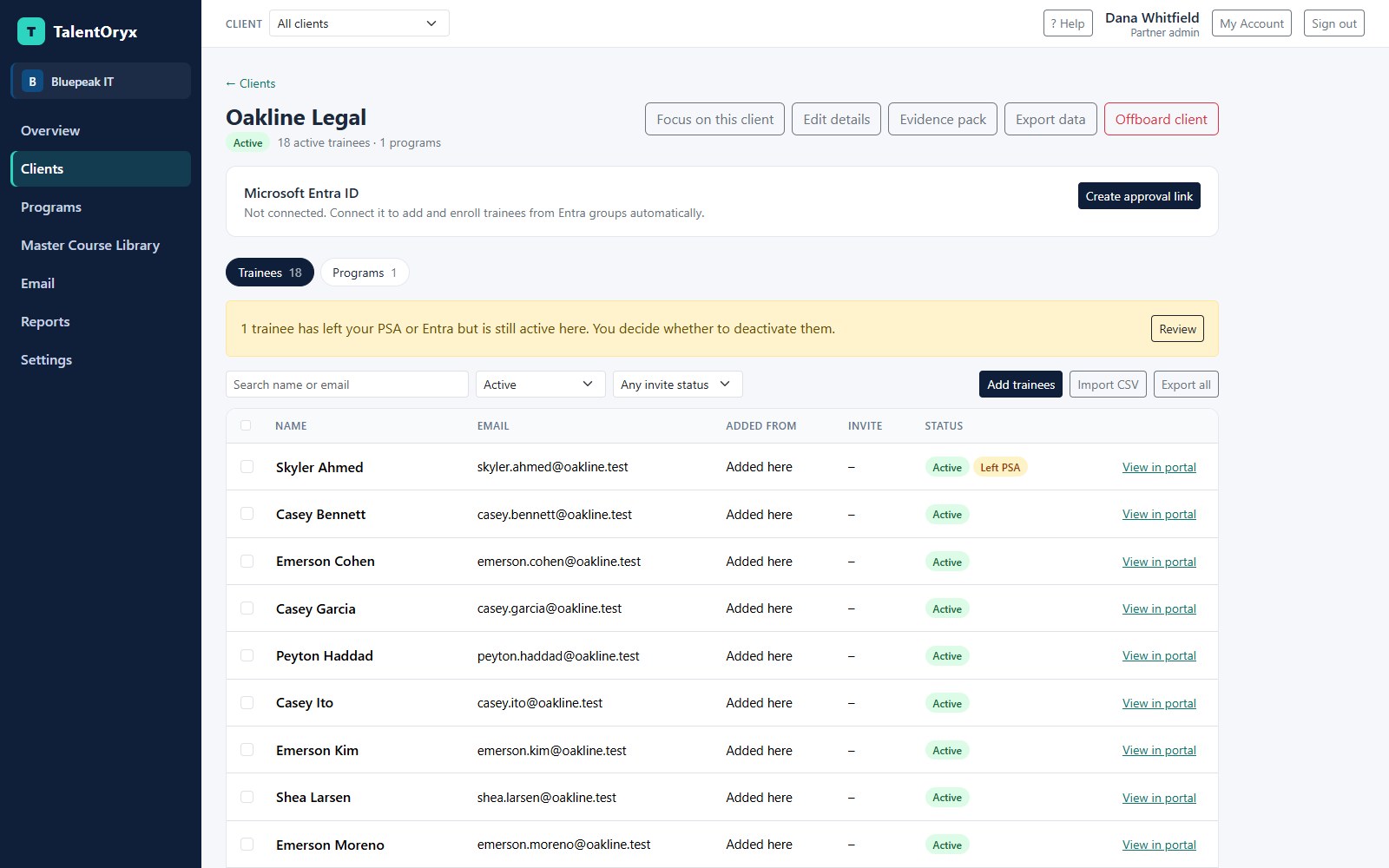
Build the program
Pick courses from the Master Course Library or your own private courses, put them in order, and set start dates, due dates and attempts.
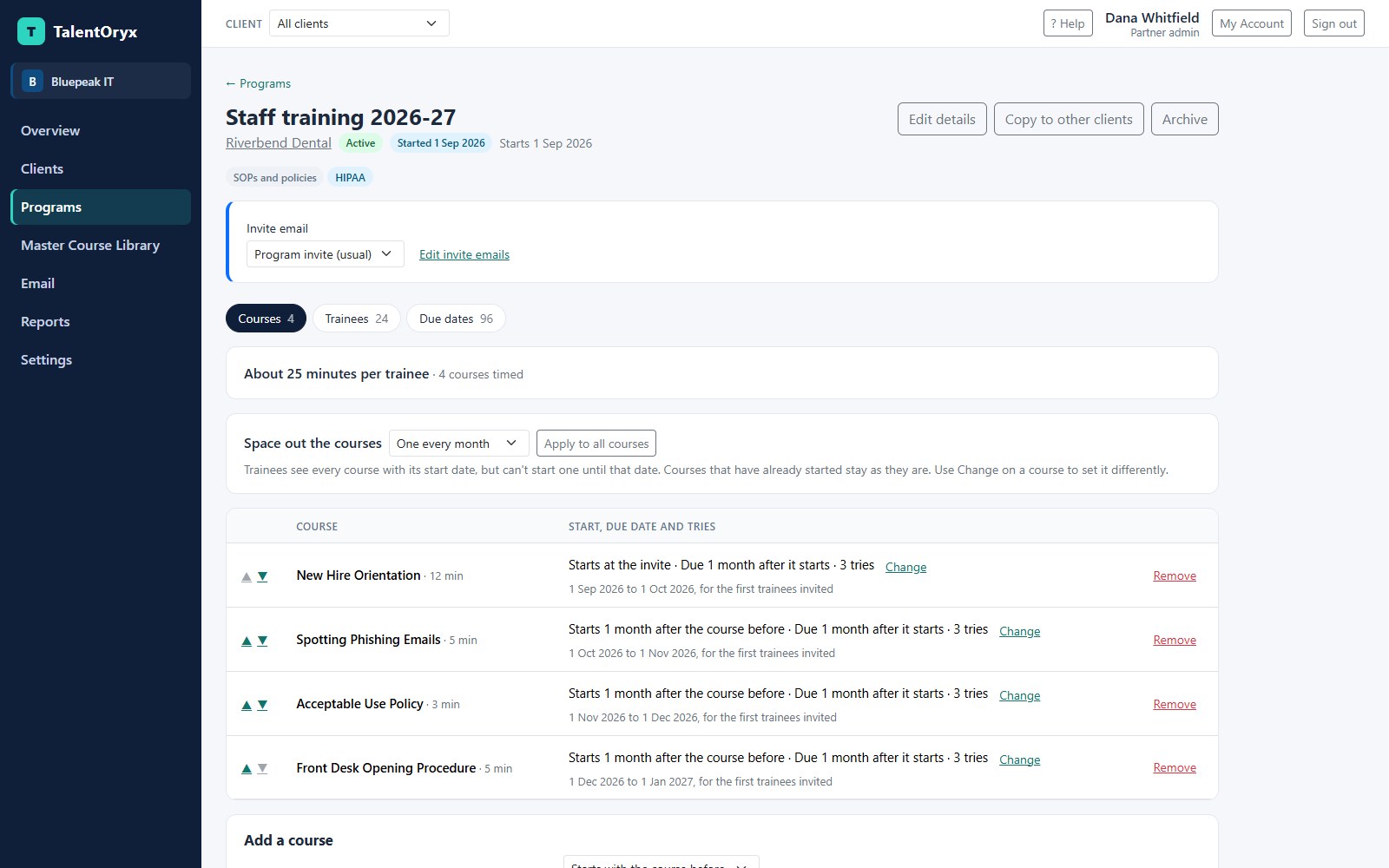
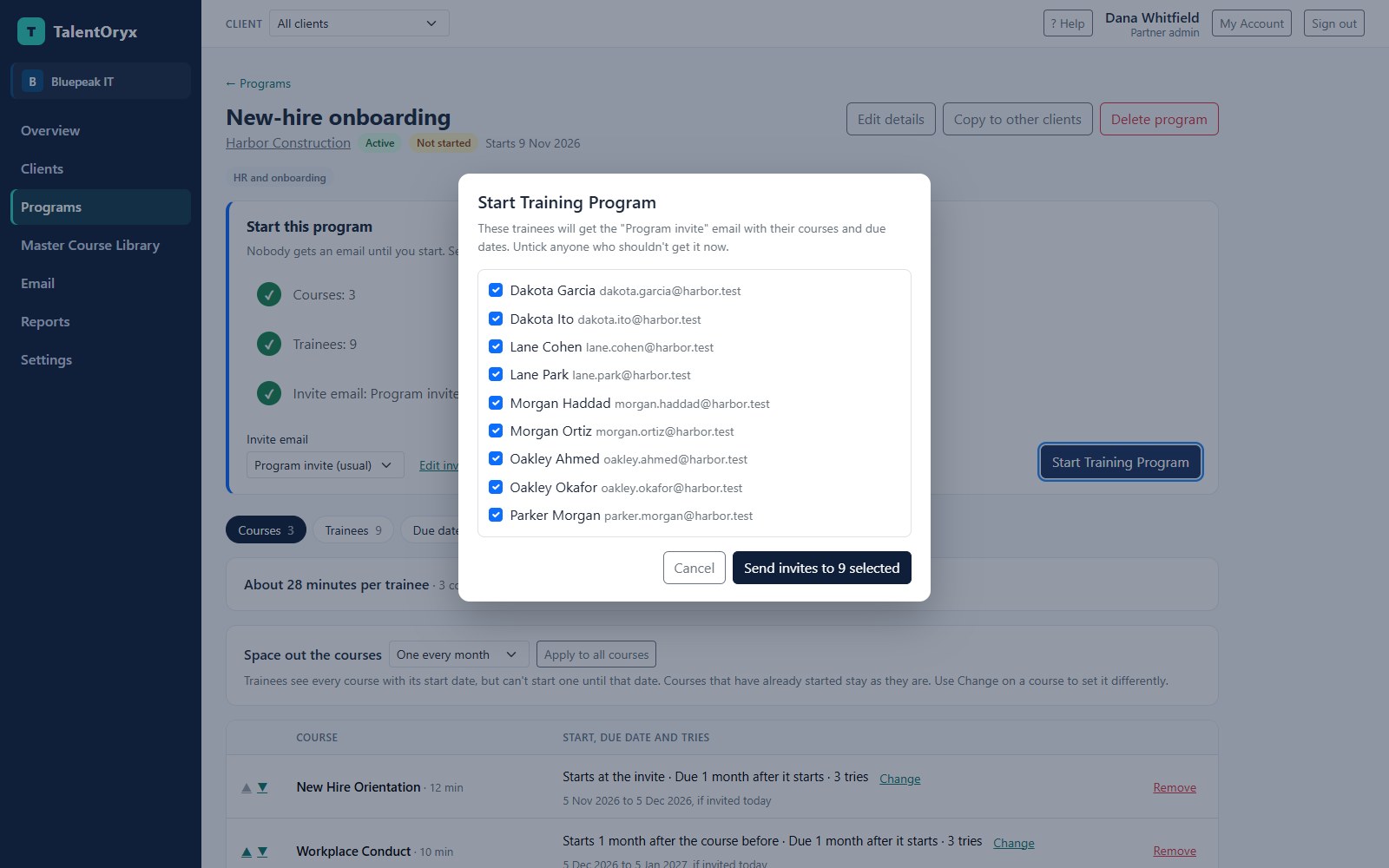
Start when you're ready
Nothing is emailed until an admin clicks Start Training Program and confirms who gets invited.
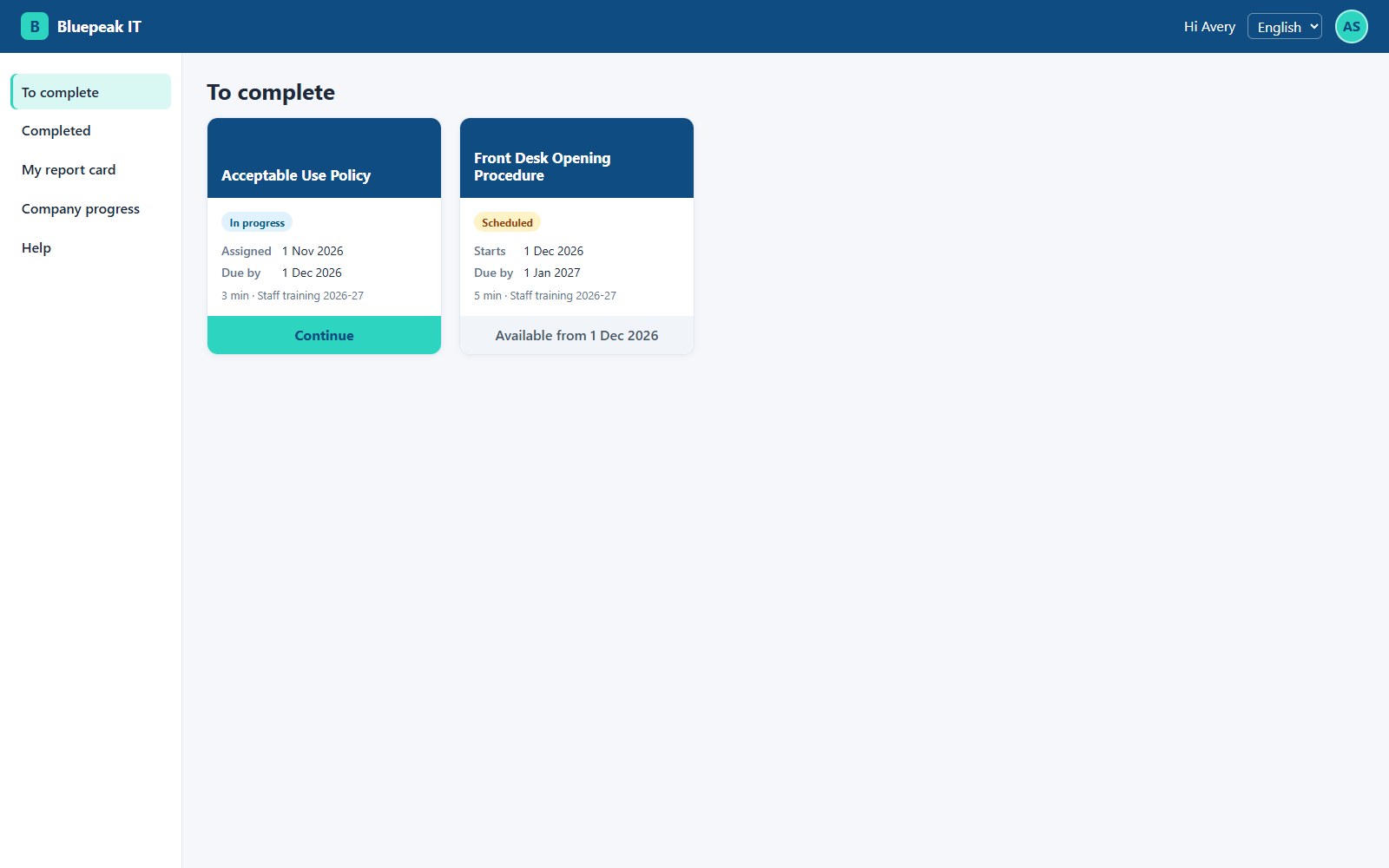
Trainees learn
They open an email link, with no password to remember, and work through video, text and PDF lessons and quizzes.
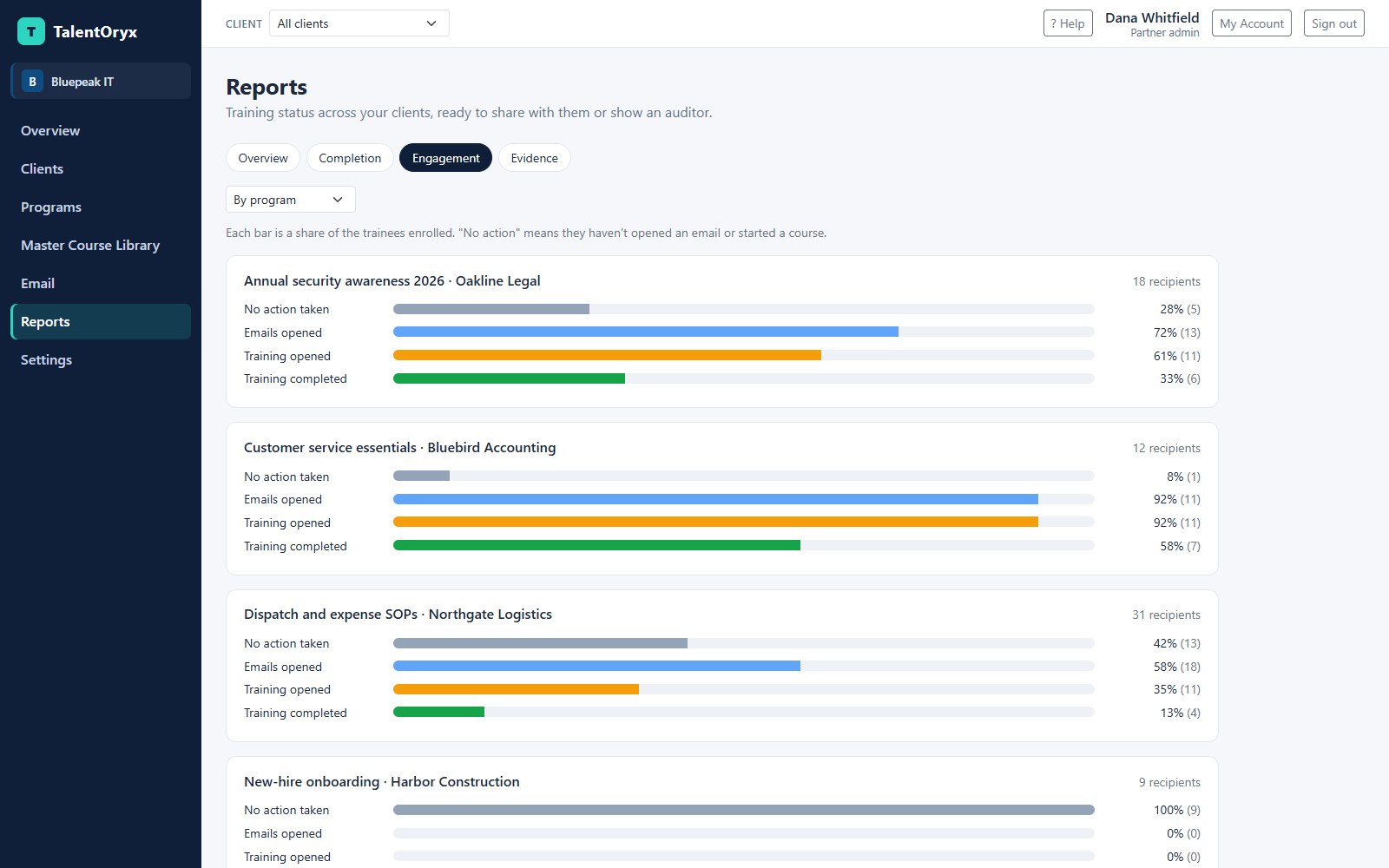
Watch progress
See who hasn't acted, who opened the email, who started and who finished. Reminders stop as soon as a course is done.
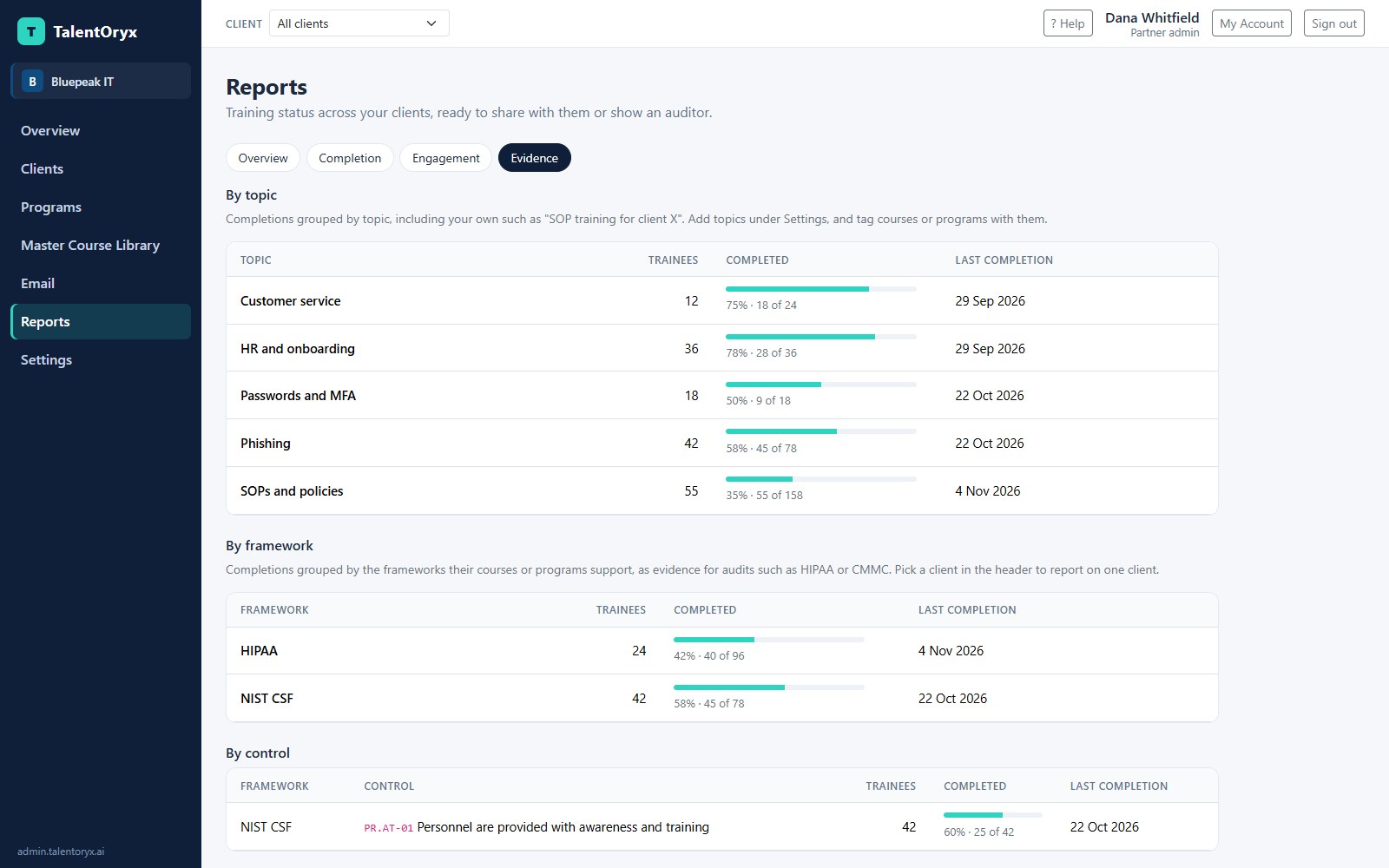
Hand over the proof
Download certificates, report cards and evidence packs, or email client managers a link to them on a schedule.
What makes it different
- Every kind of training on one platform
- Security awareness, SOPs, policies, onboarding and business skills all use the same programs, reminders, reports and certificates.
- Built around partners and their clients
- TalentOryx is multi-tenant from the data layer up. Each partner sees only its own clients, each client sees only its own company, and automated tests try to cross those lines.
- Your integration of Entra ID groups, Autotask or ConnectWise determines who gets trained
- Connect Microsoft Entra ID groups, Autotask or ConnectWise Manage, and that decides who gets training. In a PSA, you choose the contact field or type that means "train this person." Overdue training or a finished program can open a PSA ticket.
- Leavers are flagged, never removed behind your back
- When a contact leaves the PSA or Entra, an admin reviews it and chooses to deactivate them or keep them active. Training history stays.
- Pace training your way
- Each client can run one course a month from a program of twelve, or all at once. Trainees see what's coming with its start date, and can't start it early.
- Nothing goes out until you say so
- Build everything first. Invites only go when you click Start Training Program.
- A flexible reminder engine
- TalentOryx comes with a robust set of options: a notice when training is assigned, reminders 30, 15, 7 and 1 days before the due date, and a past due notice. Admins choose which to use, for all clients or for each one. Trainees with several courses get them combined into one email.
- Courses that stay what they were
- A Trainee keeps the course version they were assigned. A newer version never changes training that's already underway, so your records stay true.
- Build your own training
- Add video, text and PDF lessons on screen. A PDF can require a recorded confirmation, which suits SOPs and policies. Your courses stay private to you.
- AI helps you design courses
- Describe a topic and Draft with AI writes the lessons and quiz. Suggest questions drafts quiz questions from your own lessons. You review and approve everything. Use a monthly allowance of credits that pauses when it runs out, or your own Claude API key.
- Evidence that's ready for an audit
- One zip per client holds a PDF report by program, course, topic, framework and control, plus every certificate and report card and the records behind them.
- See what a Trainee sees
- An admin can open the portal as a Trainee, read only, through a one-time link. It's a short session, and it's logged.
- Security you can rely on
- Users sign in with a password and a required authenticator app, or with Microsoft. Every change is logged for admins to review.
- A clean way out
- When a client leaves, one export hands over its training records and certificates before anything is deleted.
Questions
Is it only for security awareness?
No. Security awareness is one category. You can also run SOPs, policies, onboarding, compliance and any other internal training.
How does the trial work?
Tell us about your organization. We review each request and set up your account, and your first admin gets a link to sign in. Trials last 30 days and need no payment details. TalentOryx AI credits aren't included during a trial, but you can use your own Claude API key.
What does it cost?
We'll talk through pricing with you during your trial.
Does it include phishing simulations?
Not today. TalentOryx focuses on training, tracking and evidence.
Which PSAs and directories does it connect to?
Autotask and ConnectWise Manage, and Microsoft Entra. You can also use TalentOryx with none of them.
Do Trainees need a password?
No. They sign in with a link from their email, or with Microsoft if you've connected Entra.
Can we leave and take our data?
Yes. You can export a client's or your whole organization's records before anything is removed.